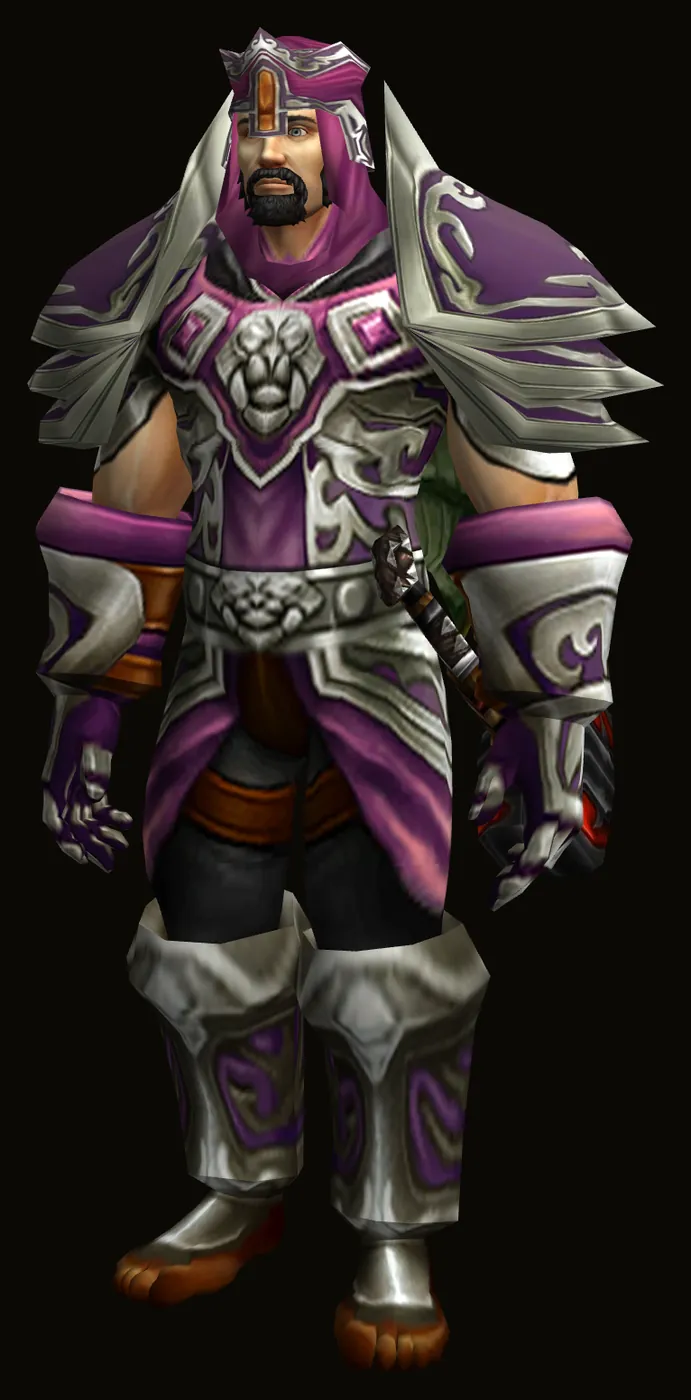
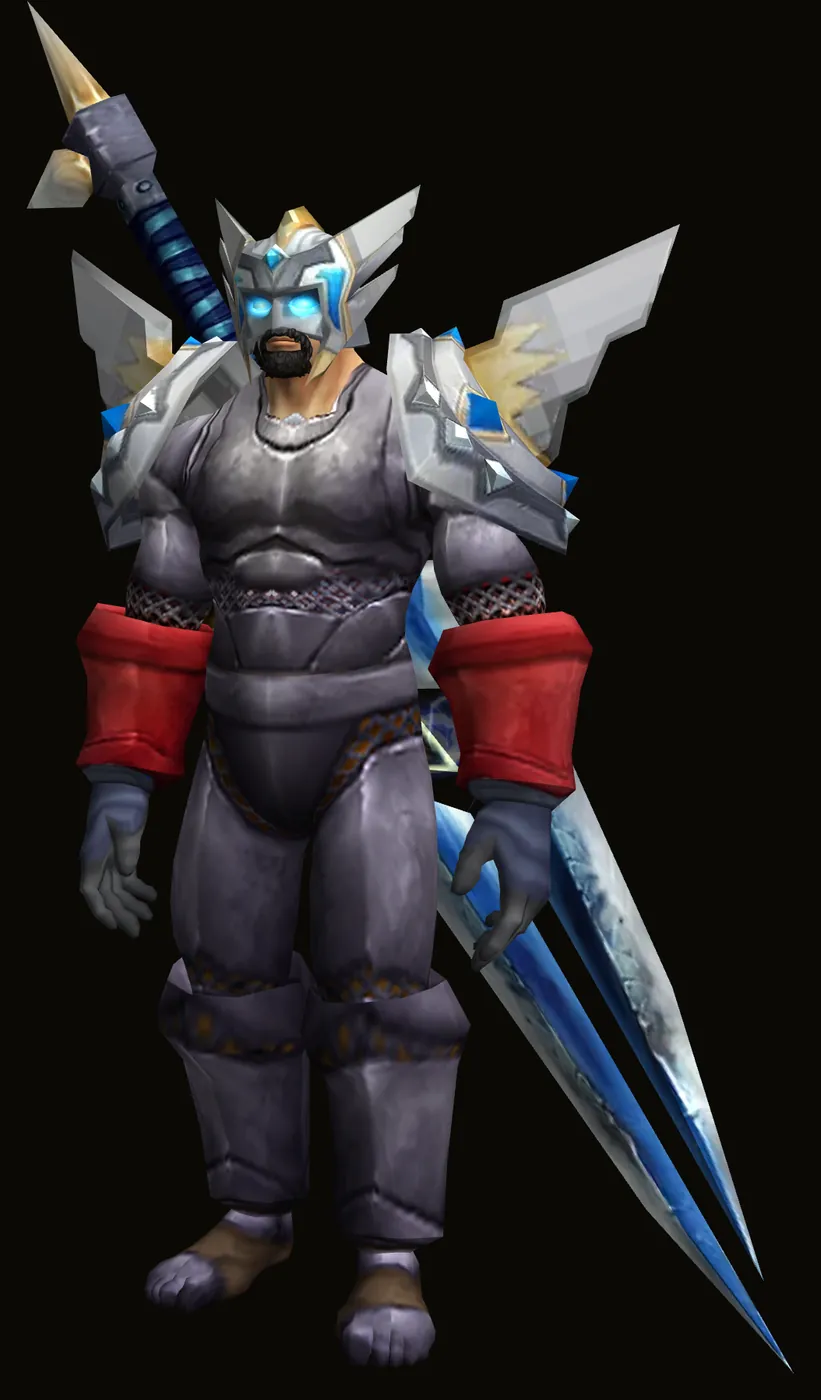
Your journey, kept forever
Every evening you play becomes a page of your Saga: where you went, what you fought, who you met and the pictures you took, written for you as it happened.
- Yours first. Your journey is for you. No one else sees it unless you share it.
- Your journey, kept forever. From your first cloth to your last raid, every page kept.
Your Atlas: your road on the game's own map, every battle on it where it happened, won or lost, and every evening on its timeline to play again.
- Light. Small and quiet beside your game: nothing to set up, nothing in your way.
- Never sold. Your story is not for sale, to anyone, ever.
- A fight won
- A fight lost
- A fall
- A level
- A picture
- Someone met
- First into a zone
- Where the character is
An album of the road
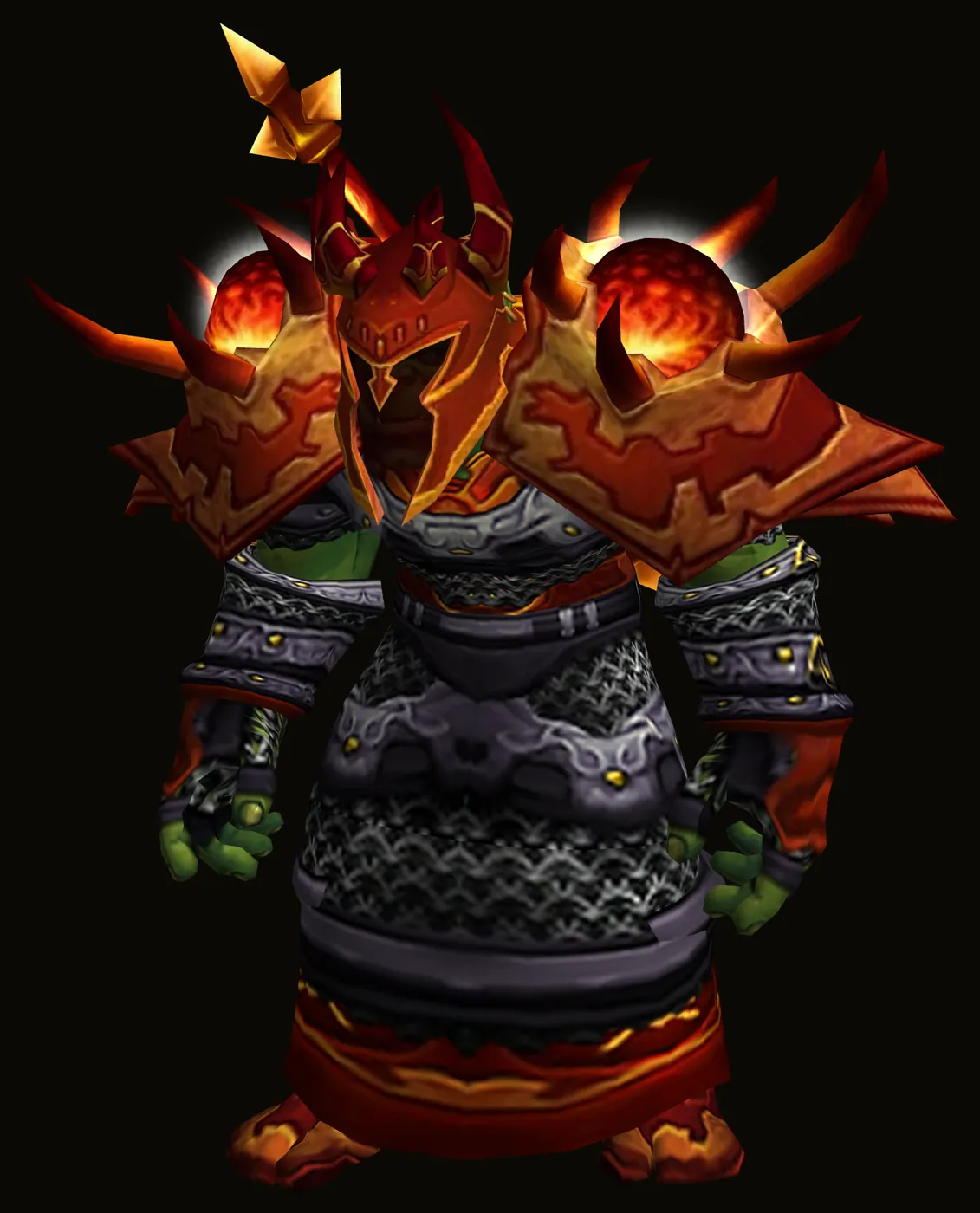
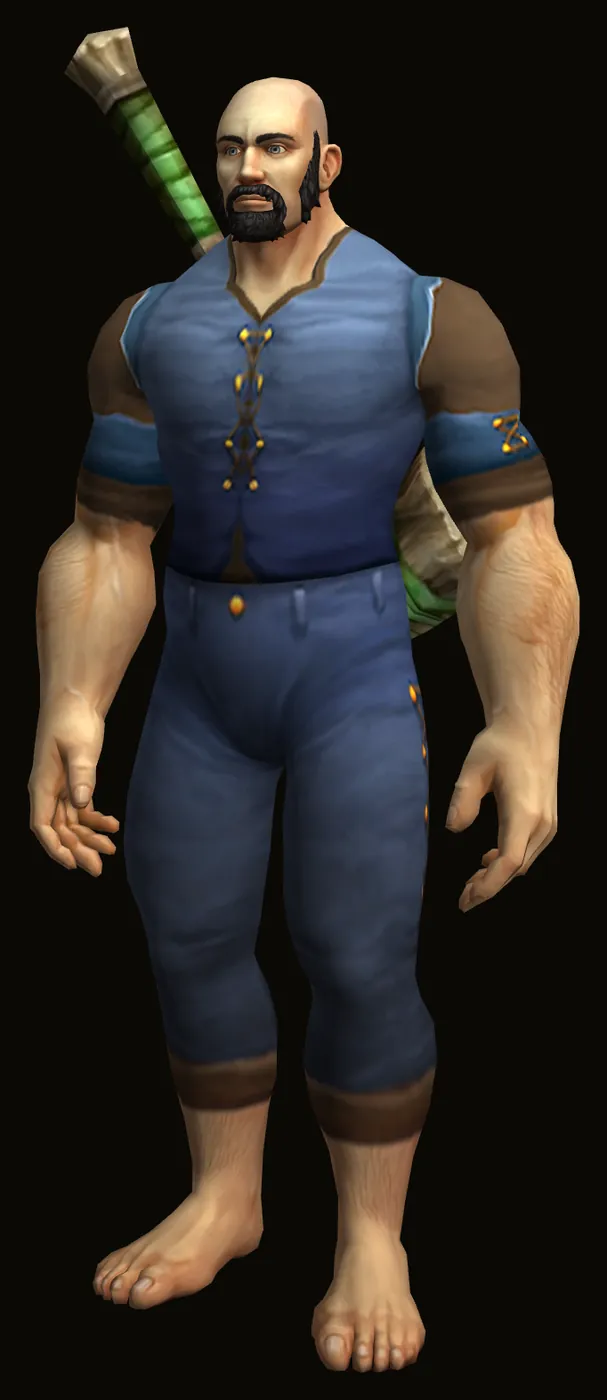
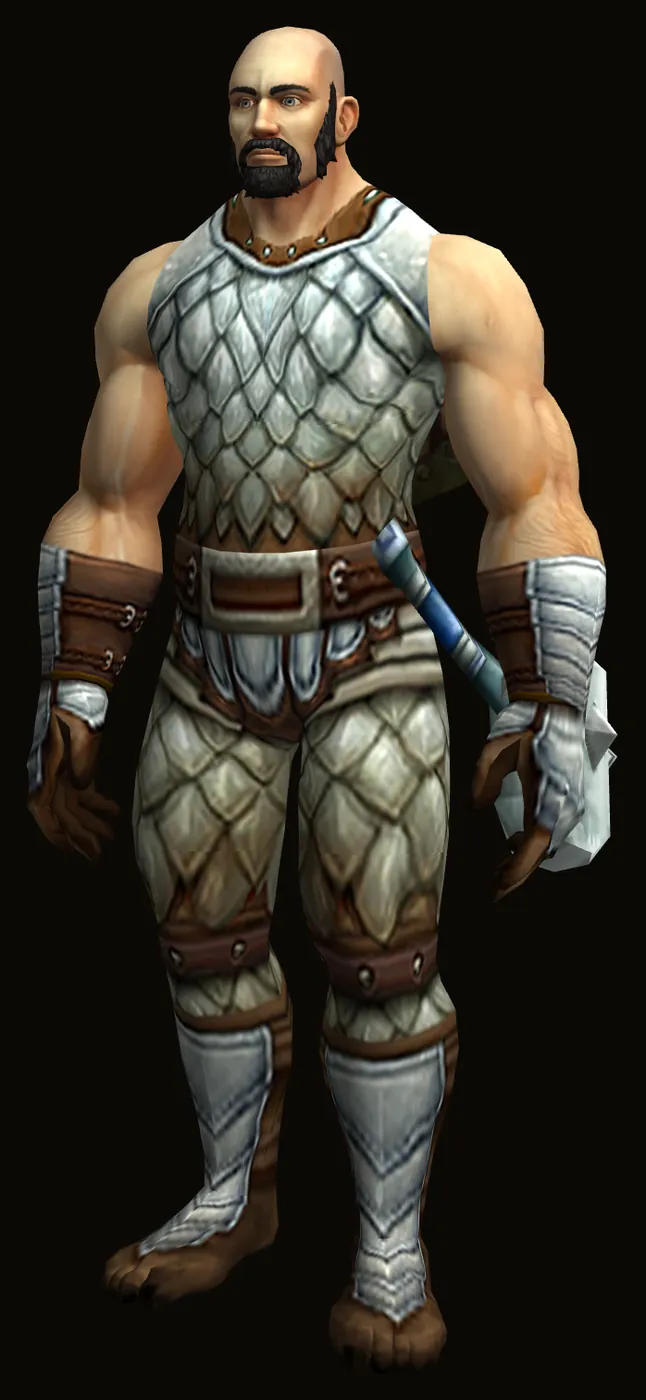
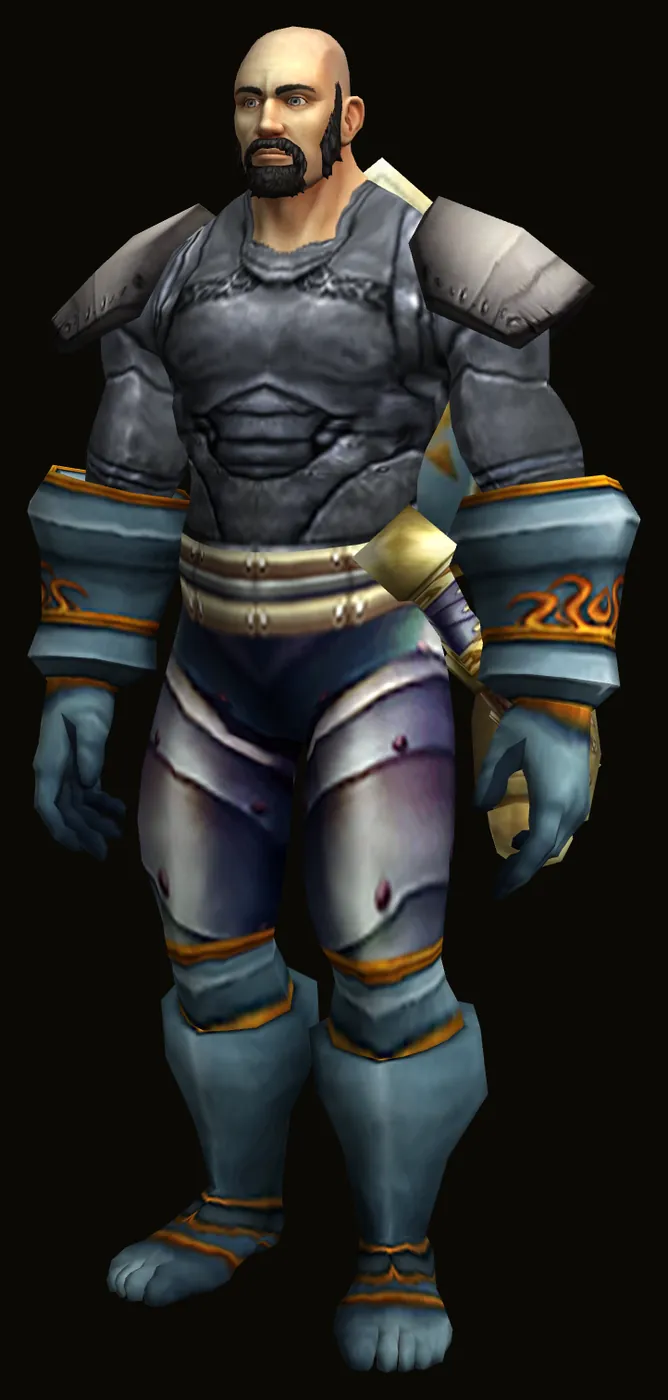
Every picture you take in the game keeps where and when it was taken, and who was there.
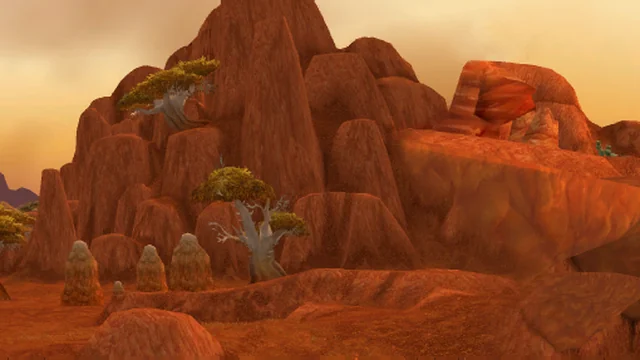
DurotarWith Garmok and Zaliya 
Ragefire ChasmOrgrimmar · With Garmok, Zaliya, Tuhmo and Vexis 
The BarrensWith Zaliya 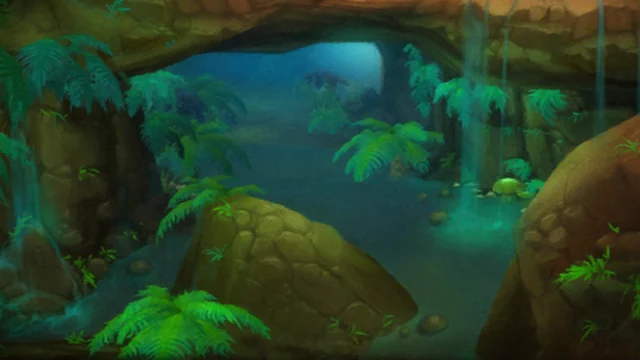
Wailing CavernsThe Barrens · With Garmok, Zaliya, Tuhmo and Kesh 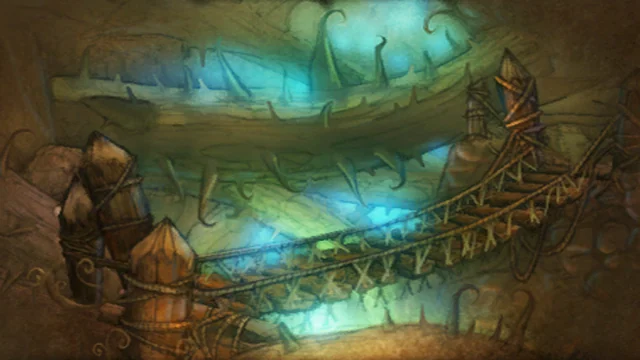
Razorfen KraulThe Barrens · With Tuhmo, Vexis, Kesh and Zaliya 
Scarlet MonasteryTirisfal Glades · With Garmok, Zaliya, Vexis and Kesh
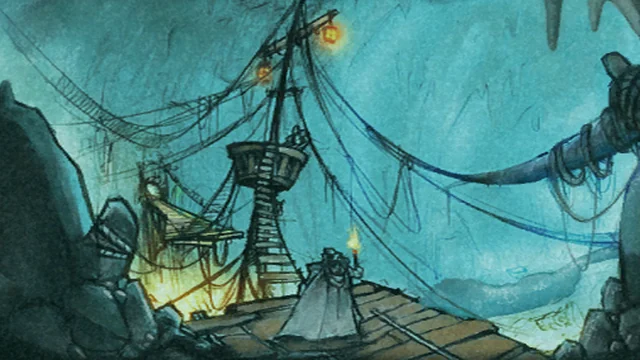
The DeadminesWestfall · With Aldric, Brenna, Thalwyn and Dorrik 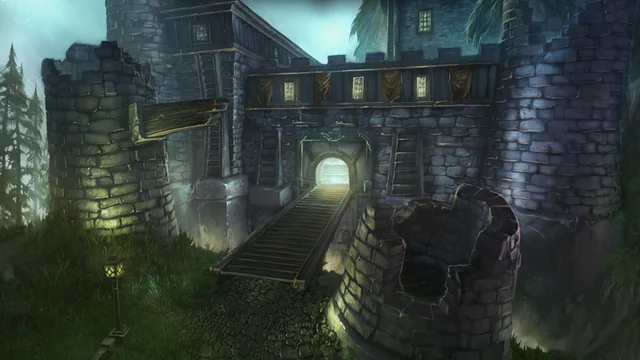
Shadowfang KeepSilverpine Forest · With Aldric, Brenna, Pip and Dorrik 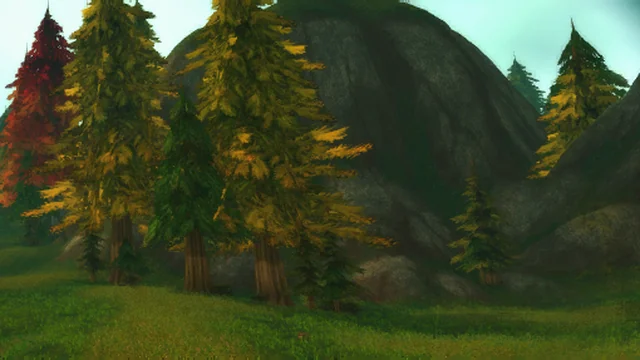
Hillsbrad FoothillsWith Brenna 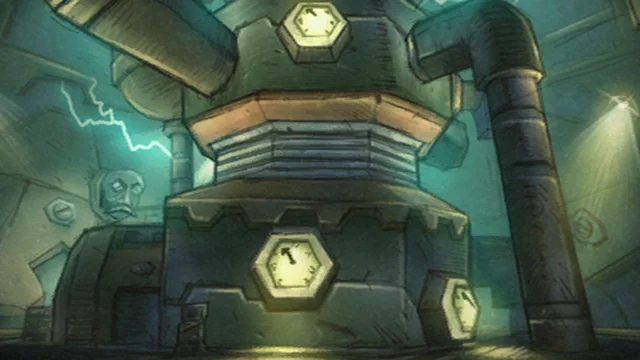
GnomereganDun Morogh · With Pip, Dorrik, Aldric and Brenna 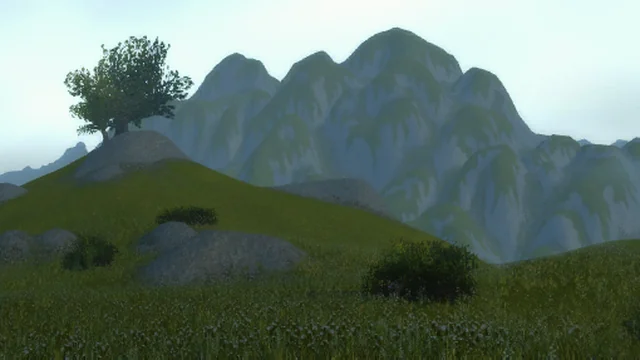
Arathi HighlandsWith Aldric 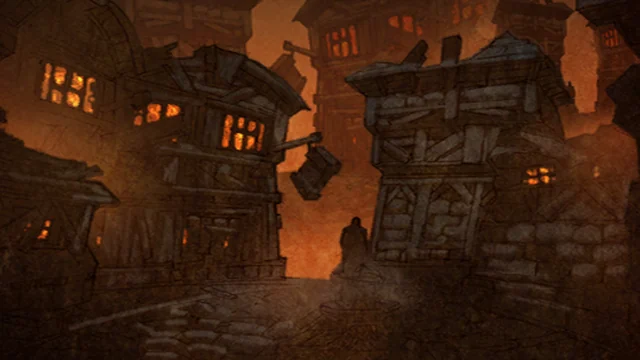
StratholmeEastern Plaguelands · With Aldric, Brenna, Thalwyn and Pip
Install Homerealm
One download, no settings. Homerealm finds every World of Warcraft you have installed, keeps itself up to date, and never asks for your Battle.net password.
Windows
Install for WindowsWindows 10 or later. Or paste this line into PowerShell:
irm https://homerealm.gg/install.ps1 | iexmacOS
Install for macOSmacOS 11 or later, Apple silicon and Intel. Or paste this line into Terminal:
curl -fsSL https://homerealm.gg/install.sh | shSetting up with an AI assistant? Give it https://homerealm.gg/install.json: it says what to run and how to check it worked.
Installing Homerealm means you agree to its Terms of service; the Privacy notice says what it reads on your computer and sends.